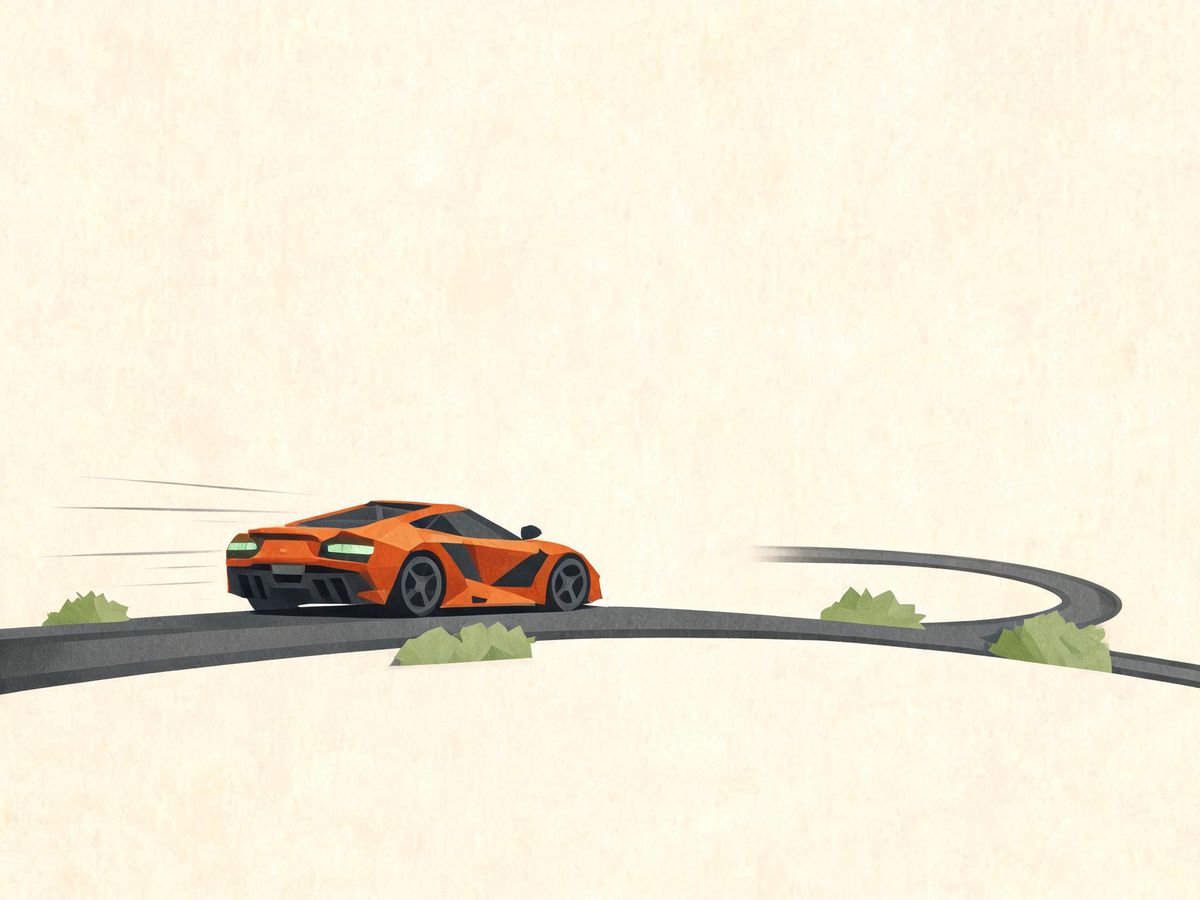
About Endless Runner
Endless Runner keeps you moving forward whether you are ready or not. Obstacles appear in lanes ahead, and your options are simple: switch lanes or jump. The difficulty is entirely in how little time you get to decide. Early stretches feel generous, then obstacles start pairing up, and the run becomes a rhythm of small, precise inputs that you stop thinking about. There is no finish line, just a distance to beat.
How to play
- Tap Play to start running; the track scrolls on its own.
- Swipe or press the arrow keys to change lanes.
- Swipe up or press the jump key to clear low obstacles.
- Read the next row of obstacles before you reach them.
- Keep running until one mistake ends the attempt.
Tips and strategy
- Aim to be in the clearest lane one row before you actually must commit.
- Jump only over flat barriers; anything at the side needs a lane change.
- Keep your thumb low on the screen so swipes register without a long reach.
- Do not chase coins into a crowded lane; distance is the safer score.
- Watch for patterns that repeat, because the track leans on familiar rhythms.
Endless Runner is a single-player browser game. It runs entirely in your browser, needs no account, and saves nothing on our servers.
Questions about Endless Runner
Does Endless Runner have an end?
No. The track keeps generating and the pace slowly climbs. Your score is the distance you reach before a collision ends the run, so there is always a higher number.
Can I control it with keys instead of swiping?
Yes. Arrow keys work on a desktop, and touches work on mobile. Both inputs stay live at the same time, so you can switch devices mid-session.
Is there anything to unlock?
There is no shop, currency, or unlock tree. Progression is your own distance record and the consistency of your lane choices as the speed rises, which is enough to keep each run feeling like a test.